Native macOS · One-time purchase · On-device

Your AI agent just got a design studio.

SnapStudio turns screenshots into App-Store-ready sets, social posts and launch assets — driven by you, or by Claude over MCP. Everything on your Mac. Nothing uploaded. Nothing rented.
Buy a licence · $39.99Download

One-time · key arrives by email · macOS 14+ · Apple Silicon

0MCP tools
0Templates
0Palettes
0Social formats
0Subscriptions

The moat

One prompt in. Finished assets out.

SnapStudio ships an embedded MCP server with 87 tools. Your agent frames screenshots in device mockups, fills templates, repaints them to your brand palette, cuts social video and exports every App Store size — while you do something better. No other Mac editor can do this. Not Pixelmator. Not Affinity. Not Canva.

Setup is one line:

claude mcp add snapstudio -- "/Applications/SnapStudio.app/Contents/MacOS/snapstudio-mcp"

No agent? No problem.

Screenshot in. Shippable out.

01

For app developers.

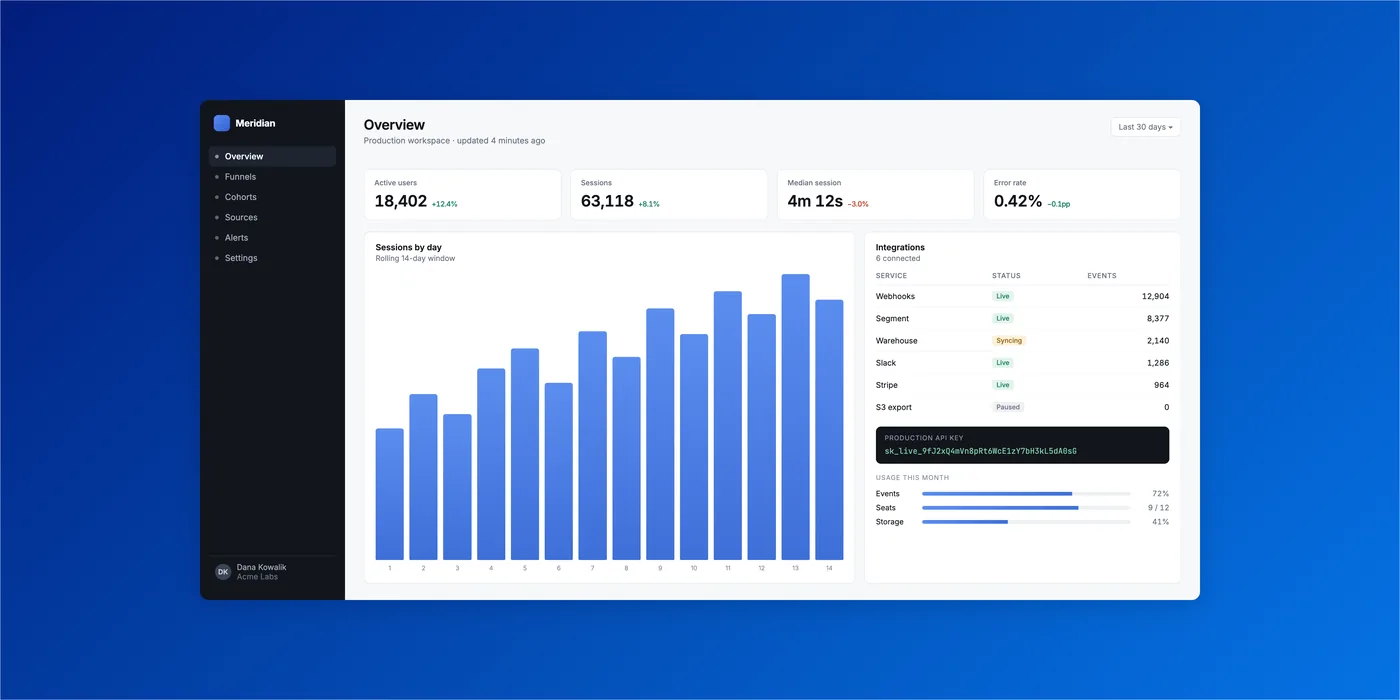
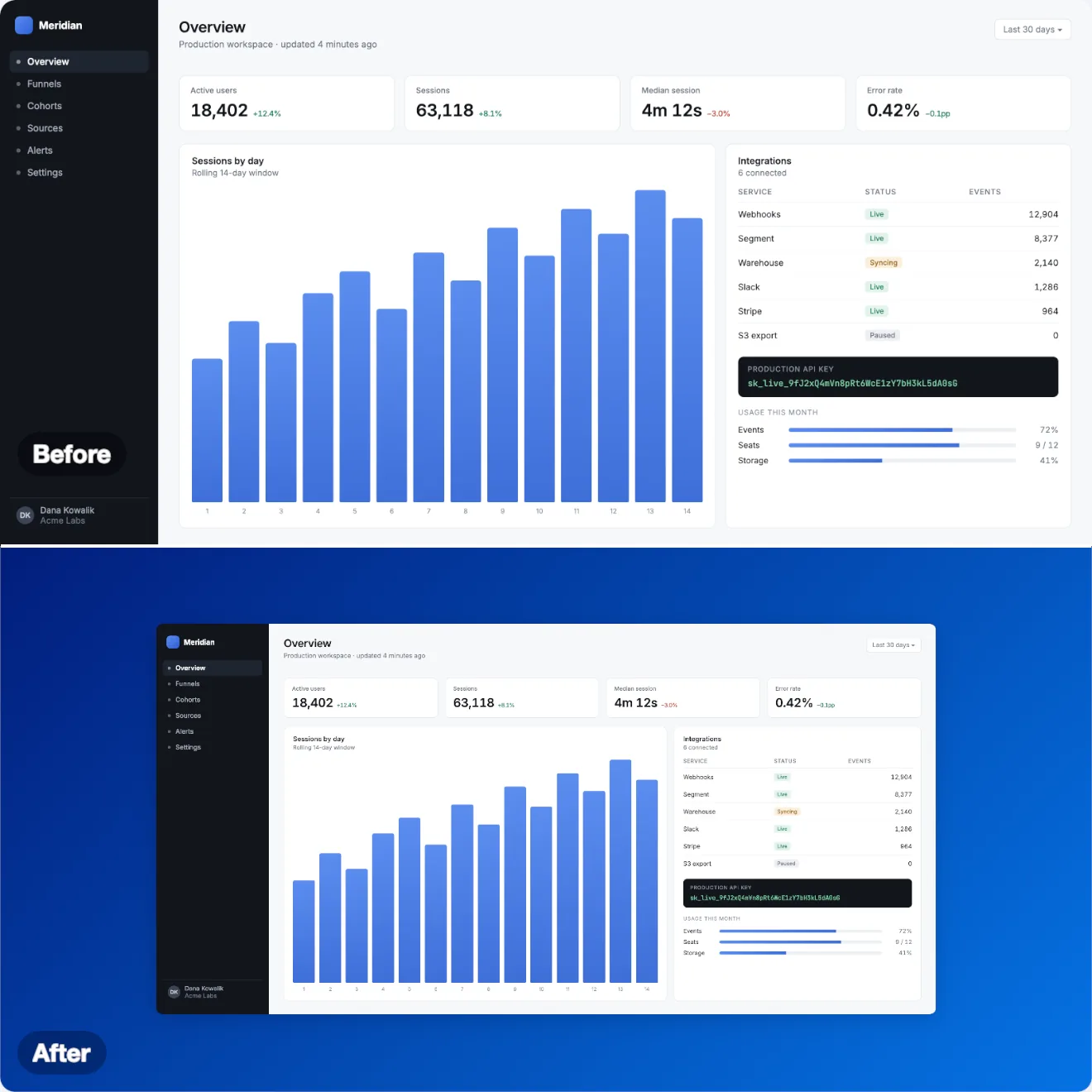
The build is done, and now the store wants screenshots in every size. Drop in a capture: SnapStudio adds a backdrop, padding, rounded corners and a shadow, frames it in a Mac, iPhone, iPad, Android, browser or watch mockup, and exports every App Store size in one pass. How it works →

A dashboard screenshot beautified by SnapStudio: backdrop, padding, rounded corners and shadow
02

For creators and small businesses.

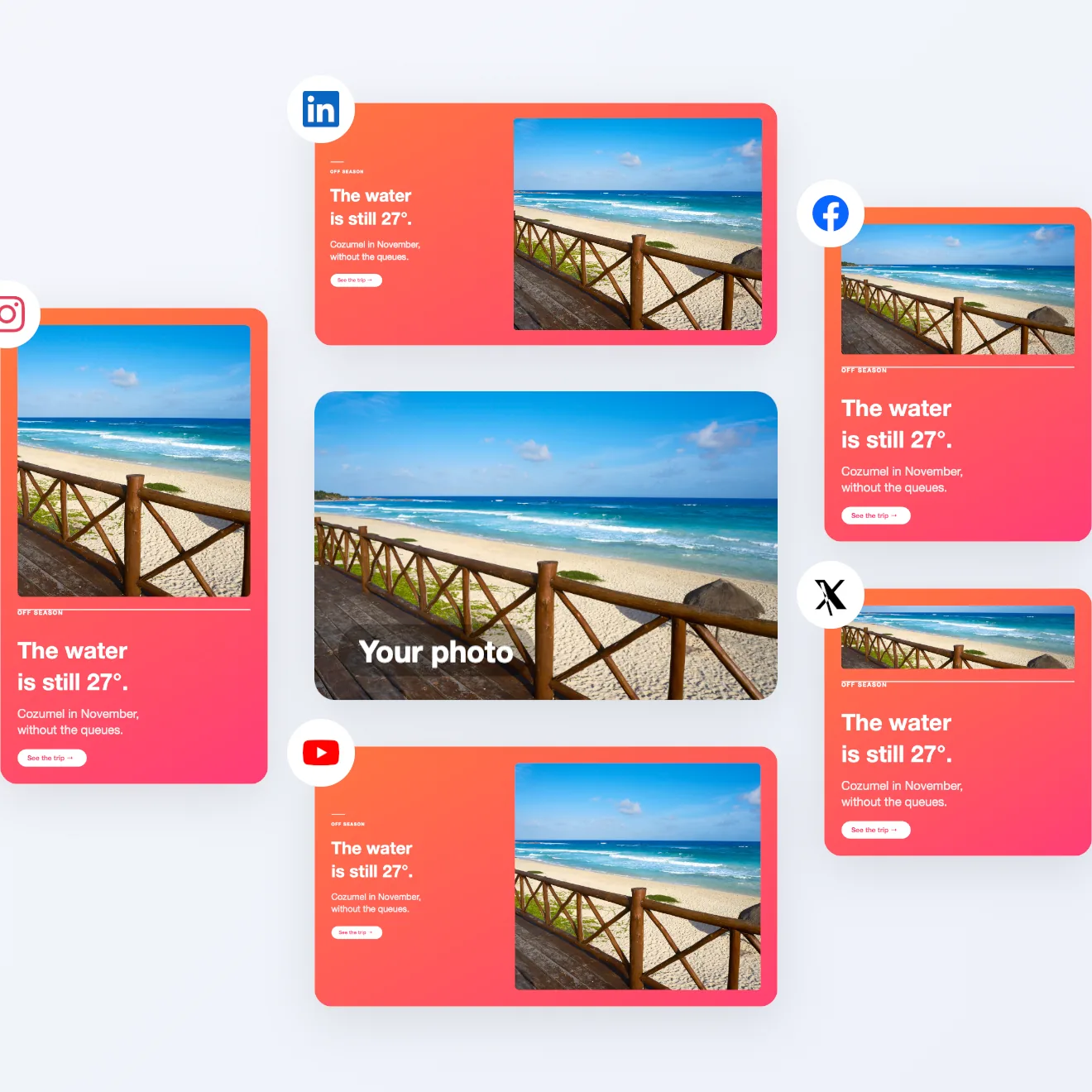
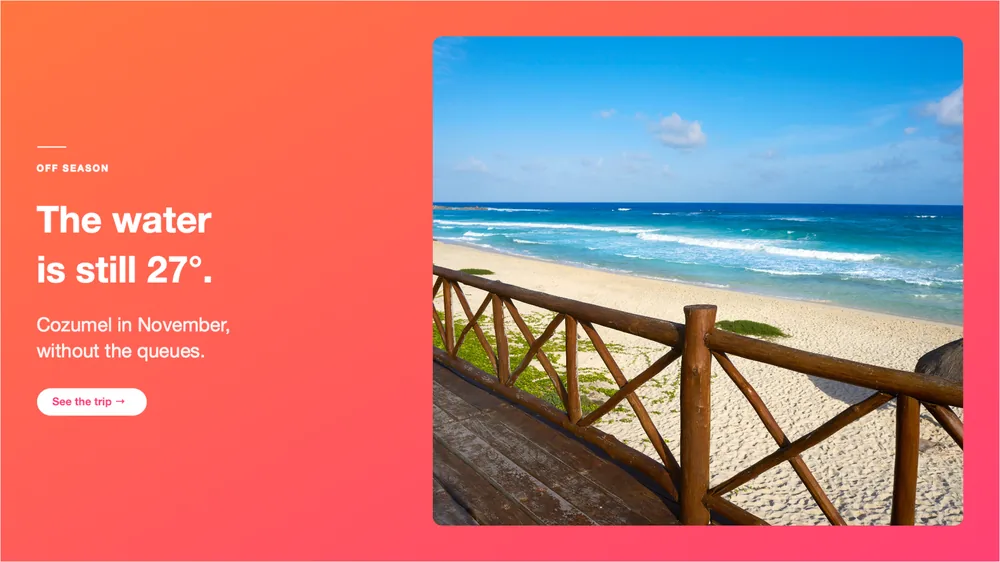
You need something to post every week, and every platform wants a different size. Start from one of 305 templates, drop in your photo, change the words. Layouts come in square, feed, story, landscape, link and banner sizes, in your brand colors. See one photo in five formats →

A beach photo made into a 16:9 post by a SnapStudio template
03

For SaaS founders.

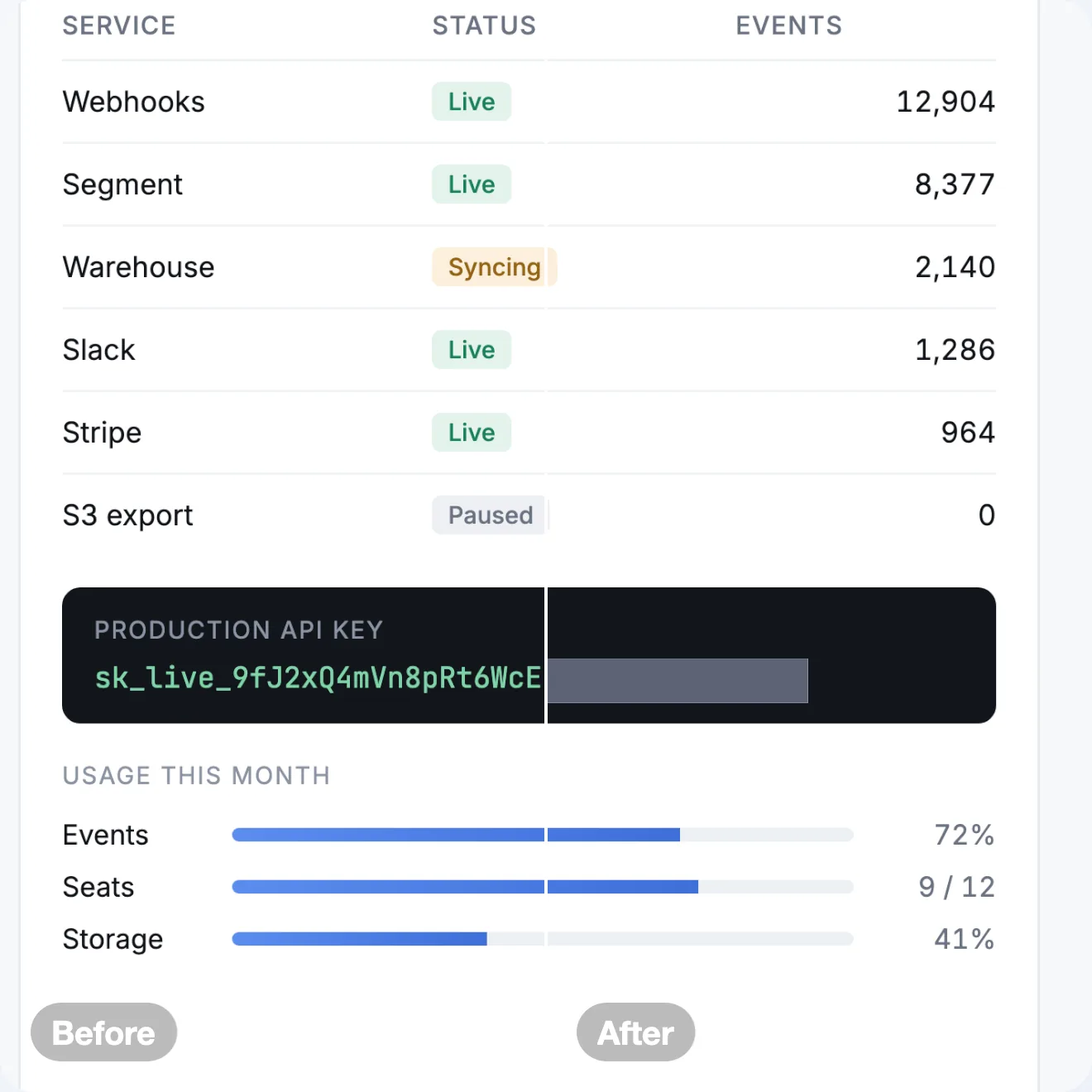
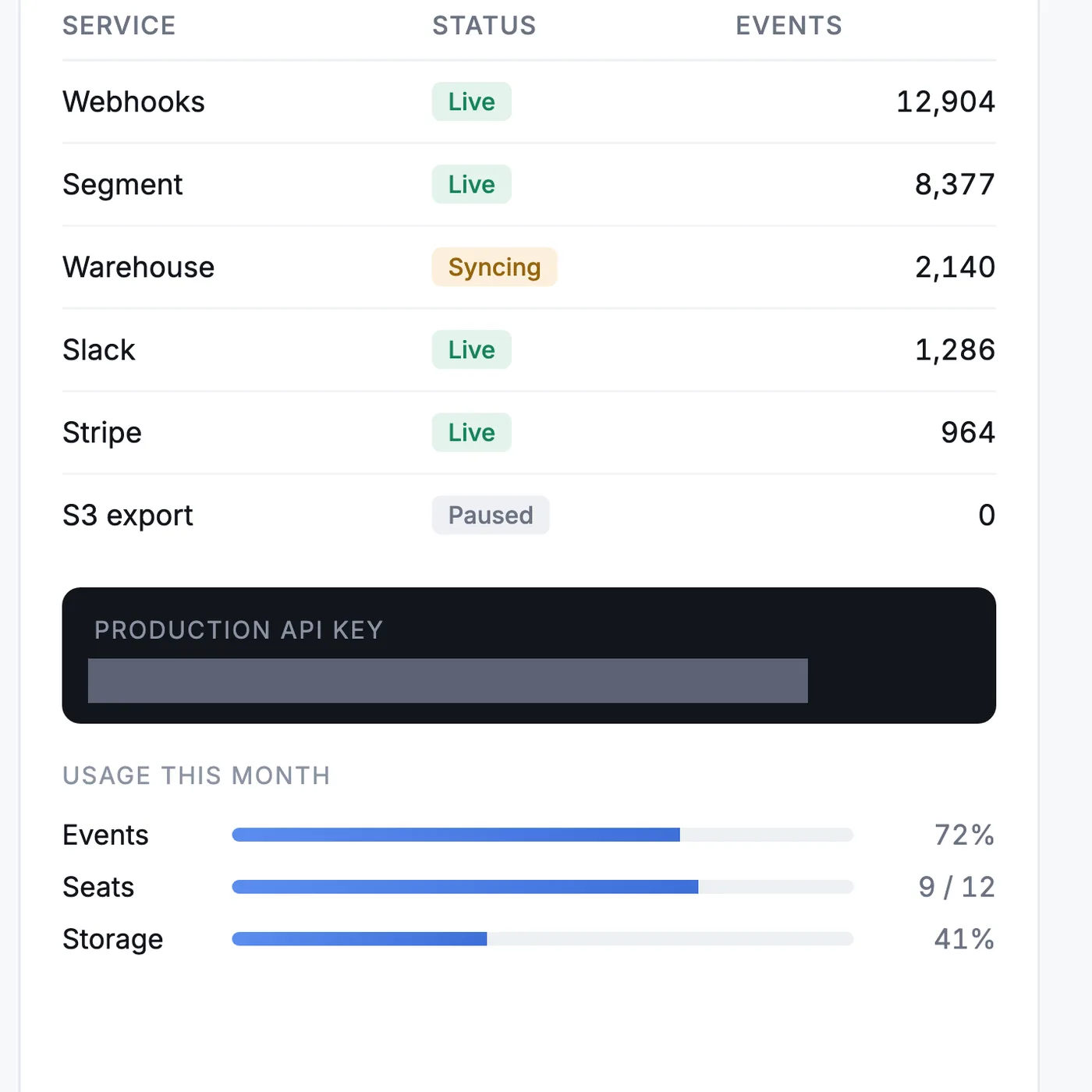
Every release needs a launch post and fresh screenshots, and the best screenshot often shows a customer's email or a live API key. SnapStudio scans for keys, emails, card numbers and faces and covers the ones you pick before the image goes anywhere. How it works →

A dashboard card with its API key covered by a solid bar

Not a toy

A real editor underneath.

When the template isn't enough, go as deep as you want — on a Metal canvas that stays smooth at 50 megapixels.

Layers & masksPer-channel curves8-band HSL14 blend modes25 filtersClone & heal

Private by architecture

Your images never leave your Mac.

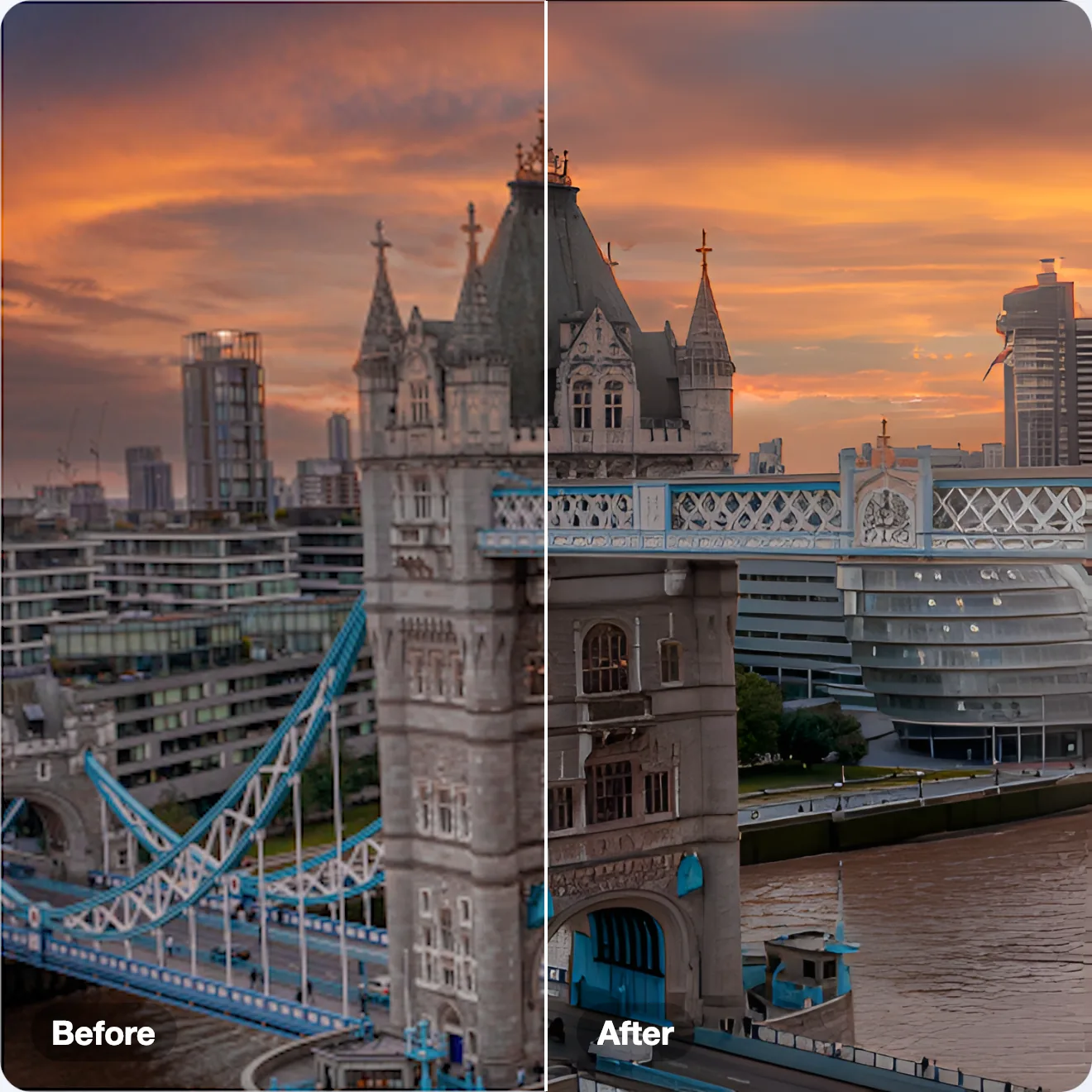
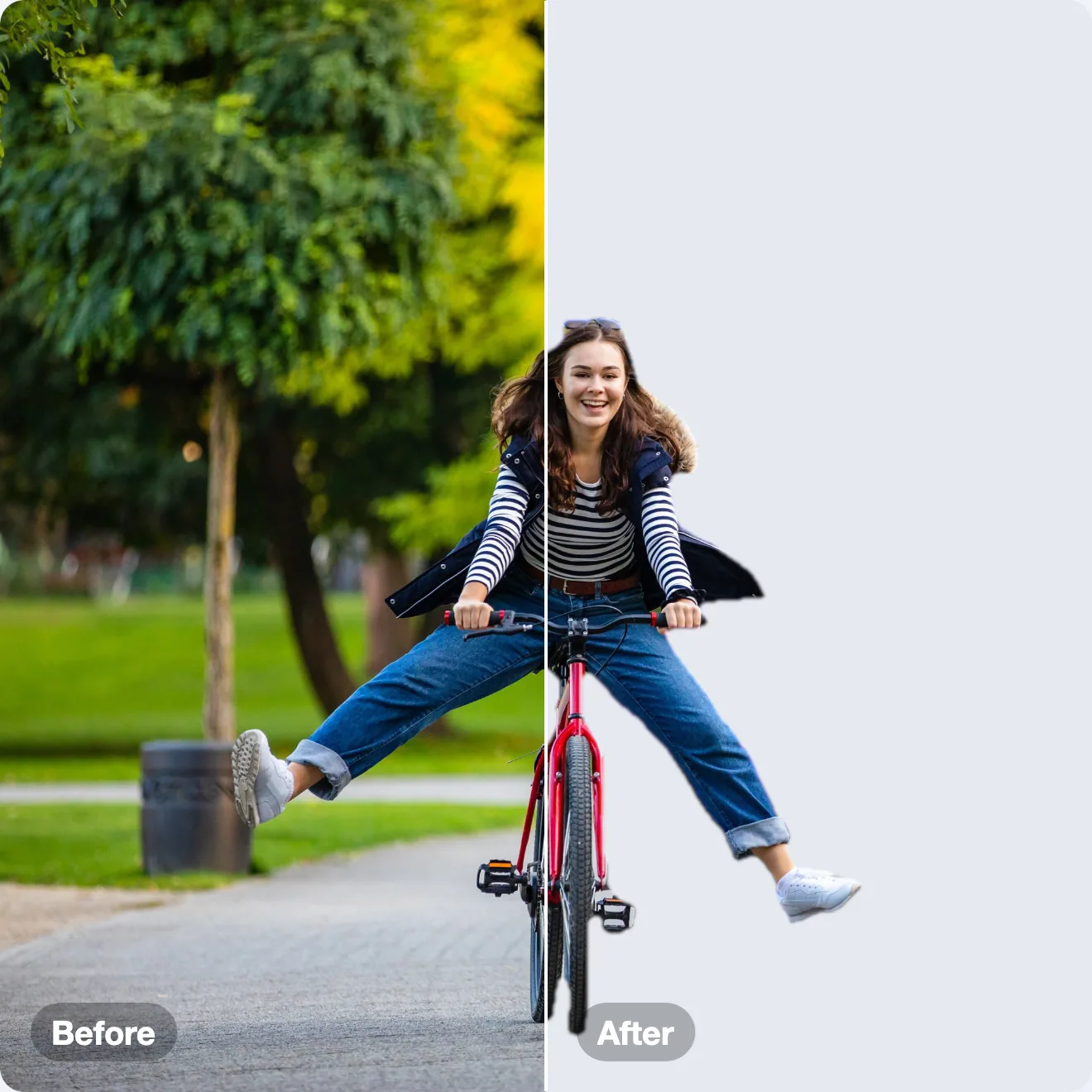
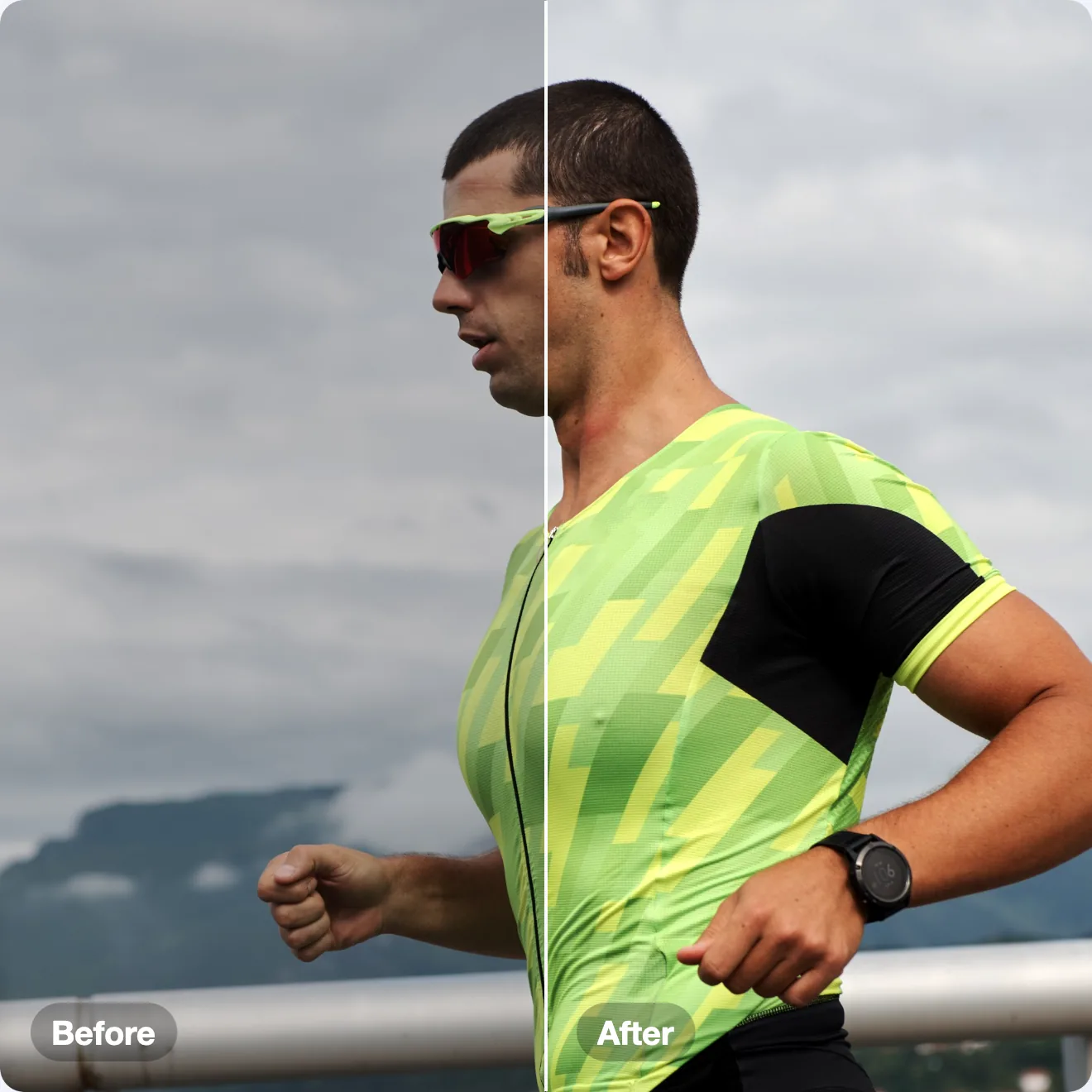
Upscaling, background removal and auto-enhance run on-device — Core ML and Apple Vision, not someone's server. Optional cloud AI (DALL·E 3, Claude) works only with your own keys, stored in the macOS Keychain. No account. No telemetry. Sandboxed.

The field

Everyone owns a slice. SnapStudio owns the pipeline.

Xnapper
$15
Beautify only — no editor, no mockups, no export sets.
CleanShot X
$29+
Capture and annotate. The marketing pipeline isn't there.
Web screenshot tools
$10–20/mo
The same job, rented forever — and your screenshots get uploaded.
Pixelmator Pro
$49.99
A beautiful deep editor. No marketing pipeline, no agent access.
Affinity
Free
A generalist — AI sits behind Canva Pro, and there's no MCP.
SnapStudio
$39.99 once
Beautify → mockup → templates → batch → video → App Store set. Yours, and your agent's.

The web tools charge $120–240 a year for the exact job SnapStudio does for $39.99 once — it pays for itself in under four months. And none of them answer to your agent.

Own it

$39.99
once.
No subscriptionNo accountNo telemetryNo uploads
Buy a licence · $39.99Download

Key by email · one key activates up to 3 Macs

Questions

The short answers.

Is it a subscription?

No. $39.99, once. No account, no recurring fees, no telemetry. Updates on the direct build arrive via Sparkle.

Are my images uploaded anywhere?

Never. Editing, AI upscale and background removal run entirely on your Mac. Optional cloud AI (DALL·E 3, Claude) runs only when you invoke it with your own API key — straight from your Mac to that provider, no middleman.

How does the agent connection work?

SnapStudio embeds an MCP server with 87 tools. Register it once: claude mcp add snapstudio -- "/Applications/SnapStudio.app/Contents/MacOS/snapstudio-mcp" — then Claude (or any MCP client) can create documents, fill and repaint templates, apply mockups, batch-render and export packs.

Mac App Store vs. direct download?

Feature-identical, same price. For the direct download you buy a licence here (checkout by Lemon Squeezy), get the key by email and paste it into the app; it updates itself with Sparkle. On the Mac App Store you pay Apple, there is no key, and the app is sandboxed and updated through Apple.

Do the AI features cost extra?

On-device AI — Real-ESRGAN 2×/4× upscale, Vision background removal, auto-enhance — is included, free, and works offline. Cloud generation/analysis is optional, on your own OpenAI or Anthropic key.

System requirements?

macOS 14 Sonoma or later, Apple Silicon. Metal-accelerated throughout. Seven languages: English, Spanish, German, French, Japanese, Chinese (Simplified), Polish.