AI upscale
Low detail? Upscale it 4×.
A small image blown up the normal way turns soft and blocky. SnapStudio’s upscaler is a machine-learning model that rebuilds detail instead of stretching pixels, at 2× or 4×, and it runs on your Mac.
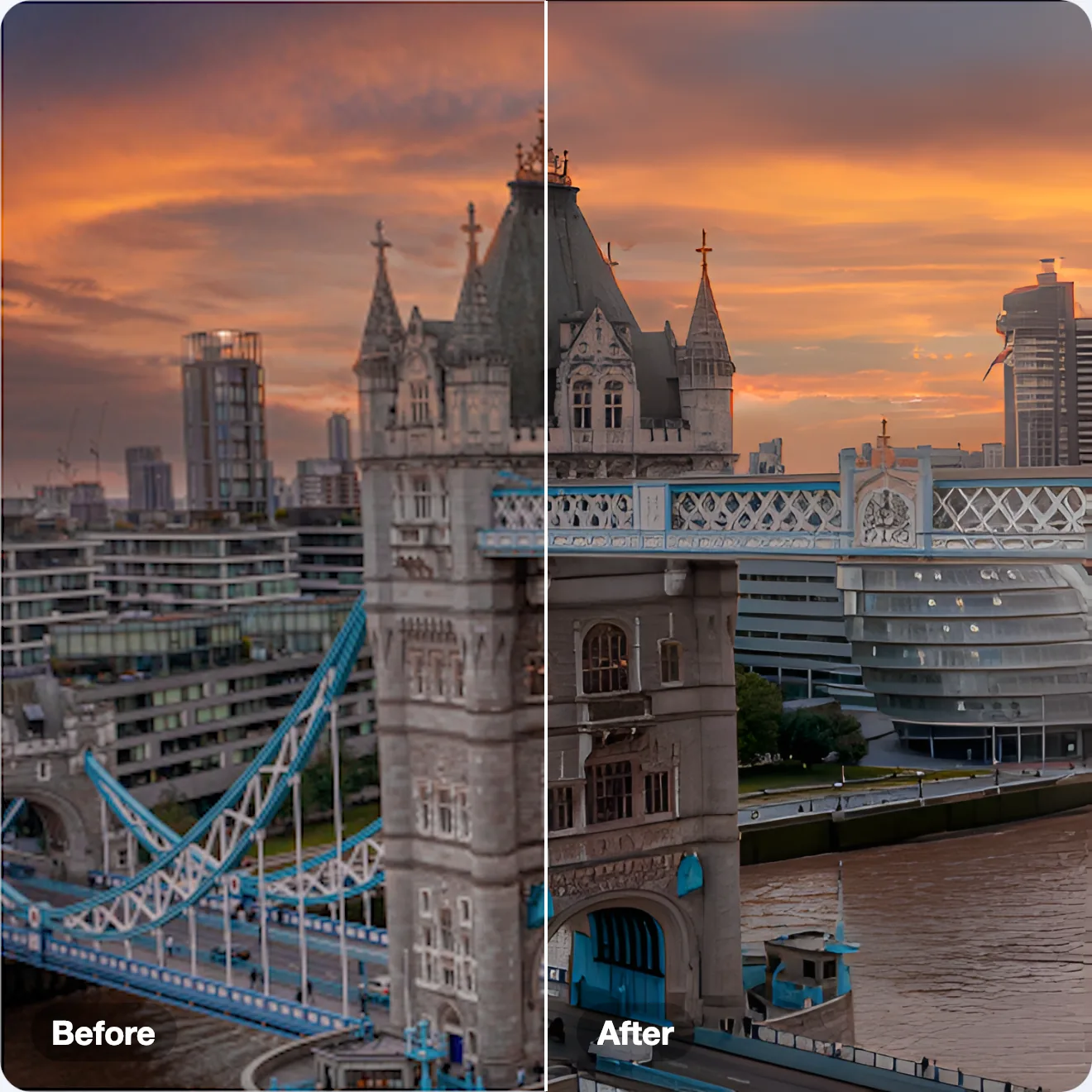
Same small photo, two ways to enlarge it
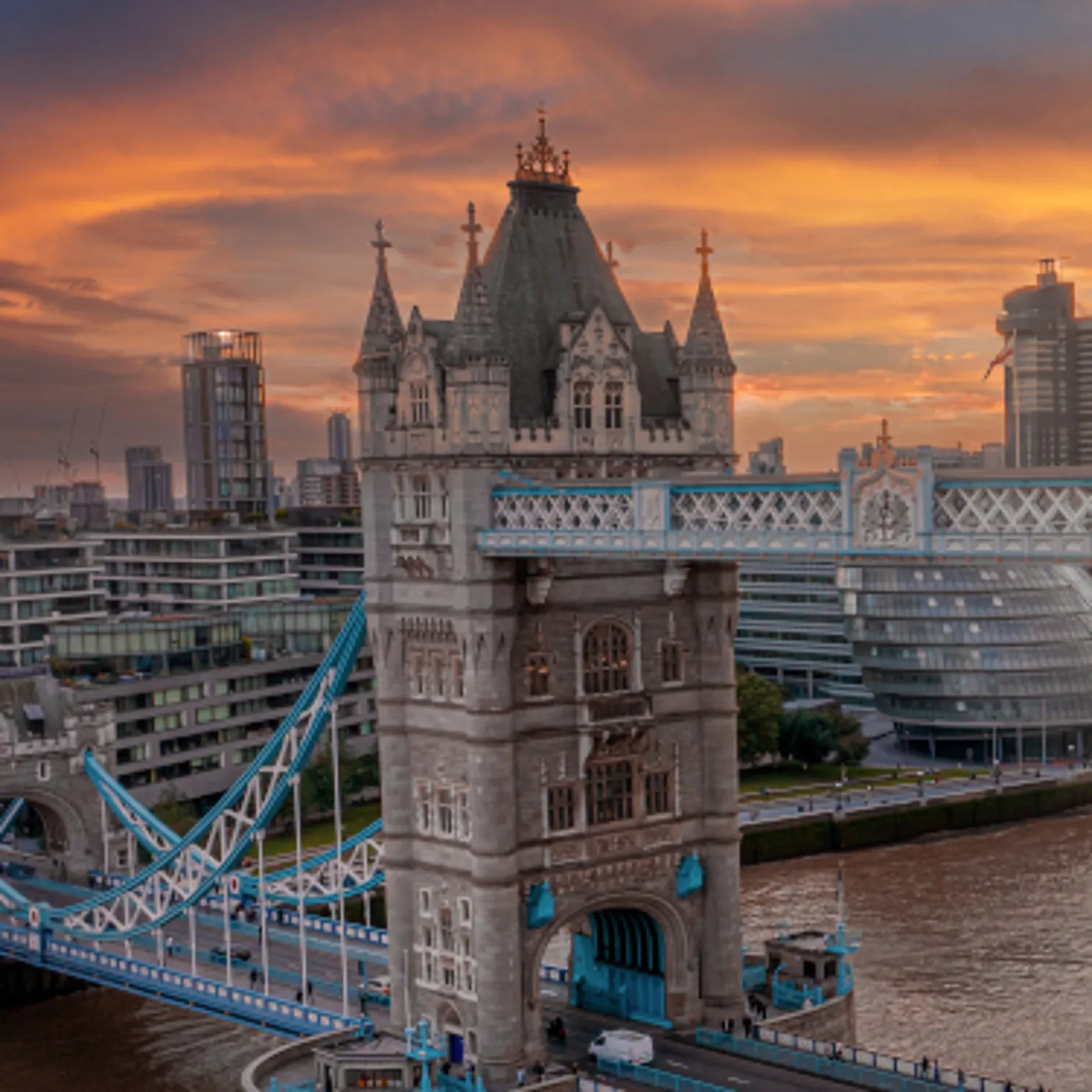
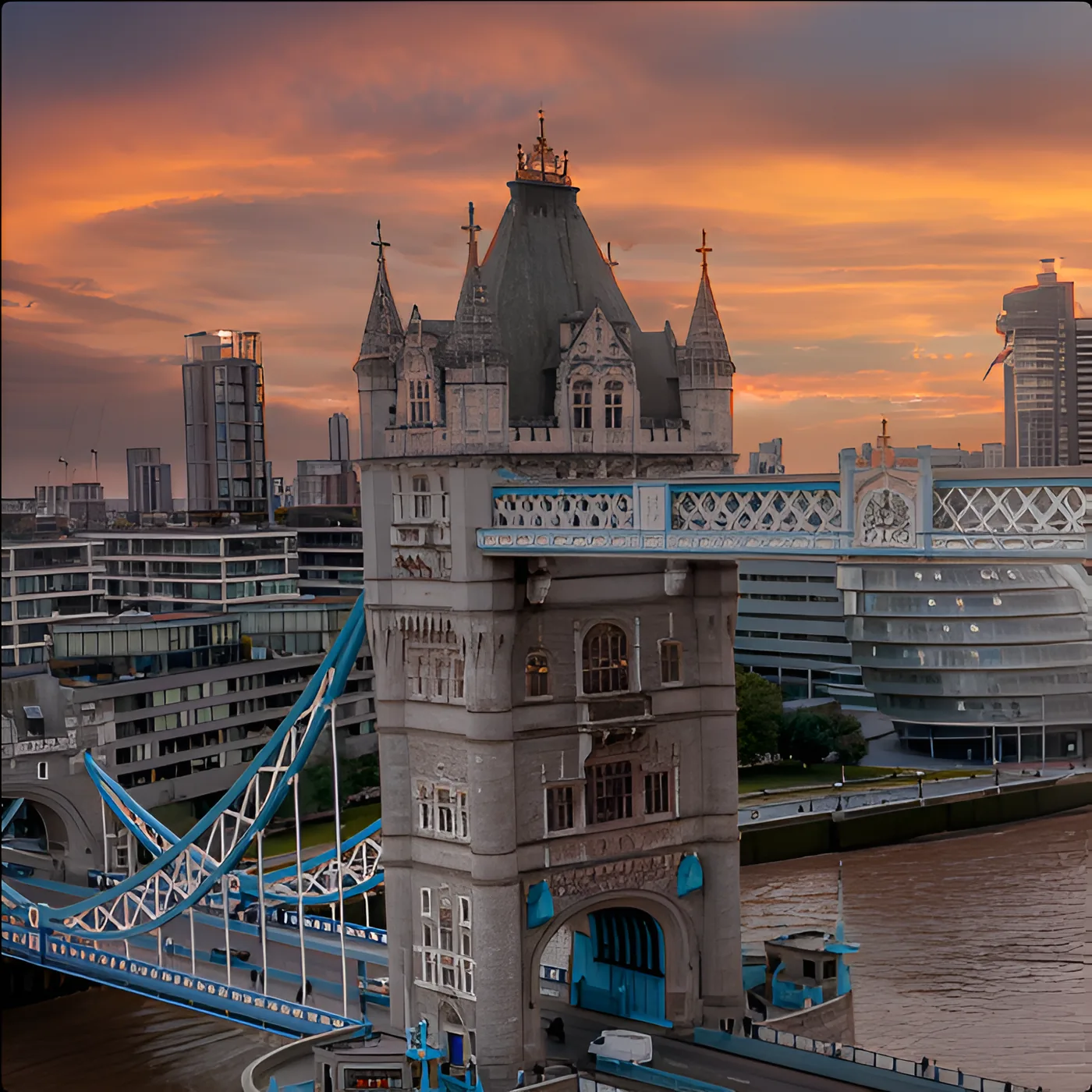
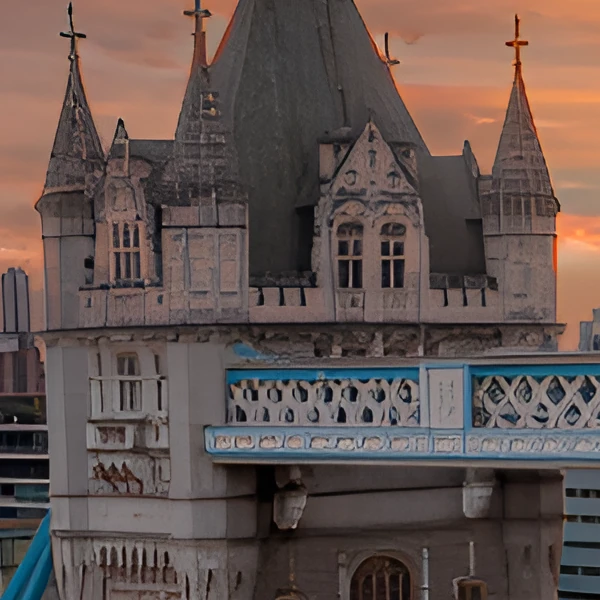
Every “after” on this page is SnapStudio’s own output, not retouched.
What it does
Image → AI Upscale… (⌘⇧U) enlarges the image 2× or 4× with a Real-ESRGAN model running on Core ML. The photo never leaves your Mac.
Where it shines
Real photographic detail: stone, brickwork, fabric, foliage, metal. The model was trained on photographs, and that is what it rebuilds best.
Where it doesn’t
Tiny text in an interface screenshot, and faces that are only a few pixels tall. With that little to go on, the model can invent shapes. For interface screenshots, capture at a higher resolution instead.
With an AI agent
Upscale the product shot 4× and export it as PNG.
upscale_layerexport_image are among the 87 MCP tools built into SnapStudio.
More features