Background removal
Busy background? Remove it.
The subject is great and the park behind it isn’t. SnapStudio finds the subject, cuts it out and cleans the edge, in one click and without uploading the photo.
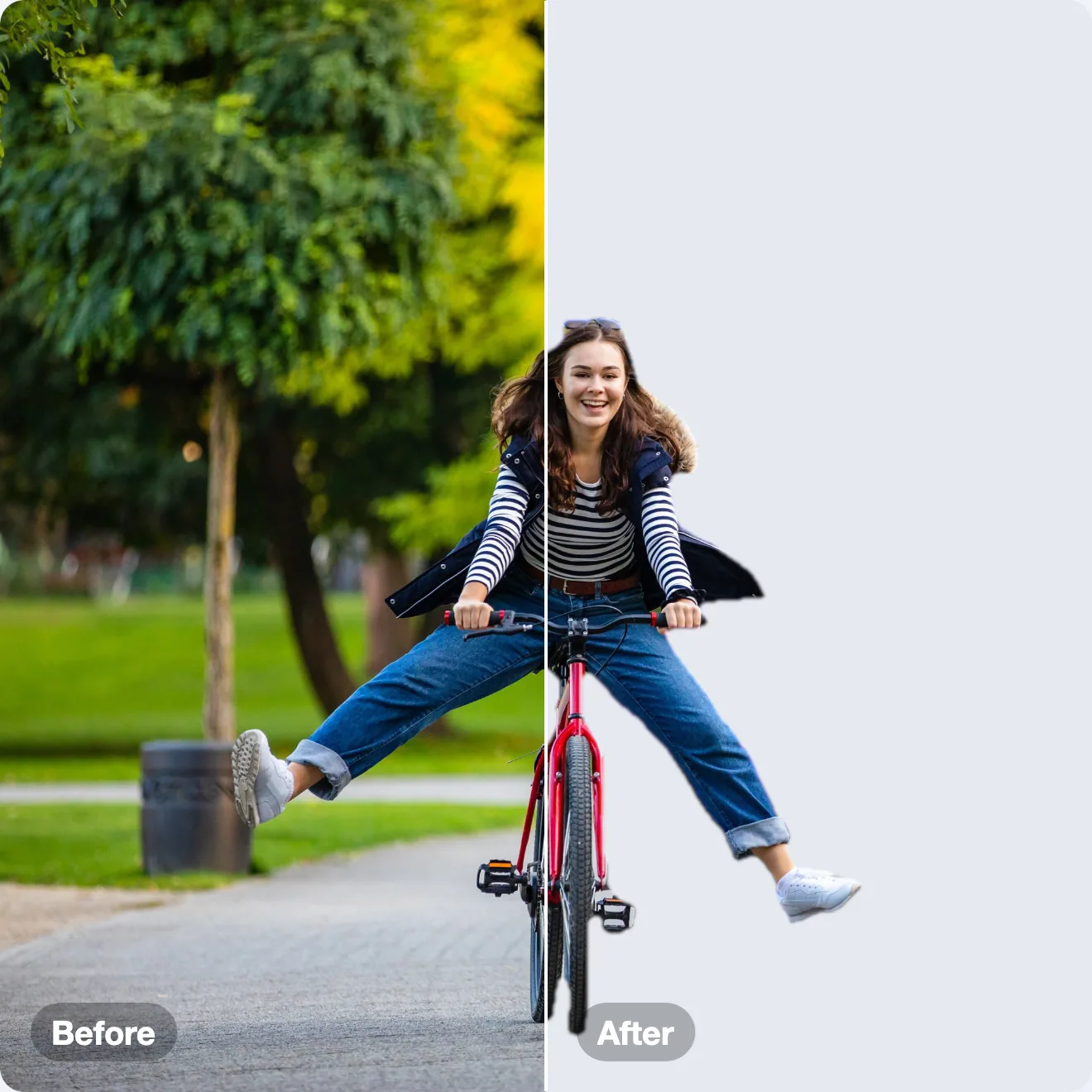
Before and after


Every “after” on this page is SnapStudio’s own output, not retouched.
How it works
Image → Remove Background… uses Apple’s Vision subject detection to build a mask, then cleans it up. Edge Cleanup tightens the rim and drops faint ground shadow; Remove Color Fringe takes the background’s color out of soft edges such as hair and fur.
The controls
- Edge Feather softens the final edge.
- Edge Cleanup, from 0 to 100%, sets how tight the edge is.
- Remove Color Fringe clears color spill from hair and fur.
- Refine opens a brush to erase or restore parts of the mask by hand.
What works best
A solid subject that stands clear of its background. Things made mostly of gaps, like a bicycle wheel seen side-on, can keep bits of background inside them, and a shadow the detector is sure belongs to the subject stays with it. The Refine brush takes those out.
With an AI agent
Remove the background from product.jpg with a tight edge and export it as a transparent PNG.
remove_backgroundexport_image are among the 87 MCP tools built into SnapStudio.